Salt FlatsDraft 4
01
The crossing
02
They see it
03
First contact
Scriptwriting
Give your story its structure, one scene at a time.




We’re filmmakers, too.
We’re building the workspace we wanted for ourselves. A place to plan, generate and refine every shot, with room to experiment and control over the details.
Join Early AccessThe Pindow story
As filmmakers, we learned to shape our ideas around what we could afford. Some scenes changed. Others never got made. The cost of trying often decided how far an idea could go.
AI changed that calculation. Ideas we had put aside became worth exploring again. We could try a scene, reconsider it and take it somewhere else.
But making a film still meant holding the process together ourselves. Scripts, references, models and edits lived in separate places. Each new tool opened a possibility and added another decision. We were building a workflow every time we wanted to build a film.
We started Pindow because we needed a workspace that followed the way a film takes shape. Somewhere an idea could develop into a script, a shot and a cut, with the decisions behind it carried through.
That belief shapes what we build. We select models for their quality, usefulness and cost. We bring references, prompts, generation and editing together on one canvas. And we design assistance around the filmmaker’s direction, so they can understand the choices and make the work their own.
We believe more people will make films when they have room to learn, experiment and try again. Someone beginning their first project deserves that opportunity. Someone who has spent years at the craft deserves tools that meet their judgment.
Pindow began with films we wanted to make. We’re building it for the films others have yet to make.
Shape your shots, generate your takes and keep your footage together in one workspace.
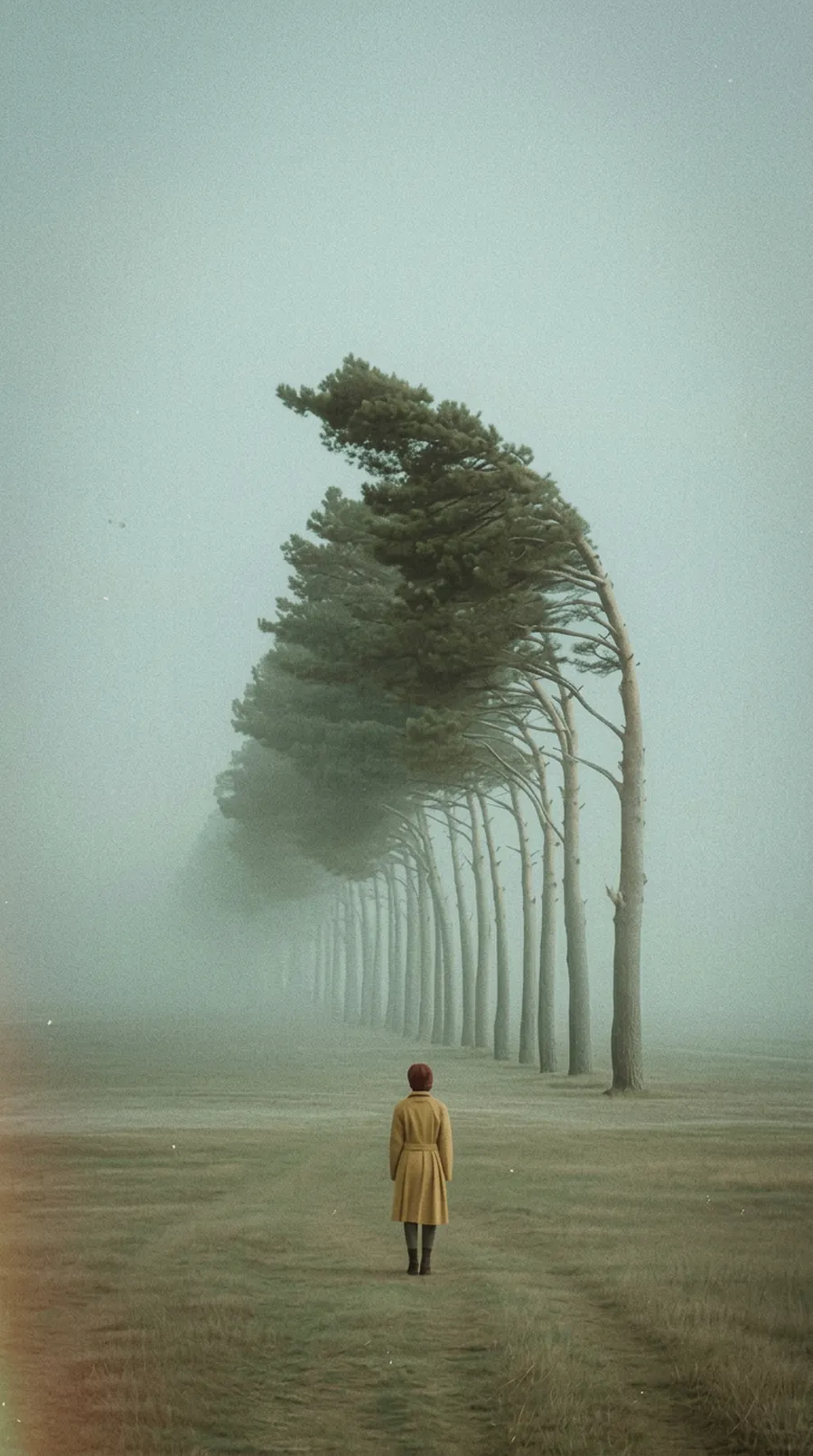

Lay out your idea on the board, one scene and one shot at a time.
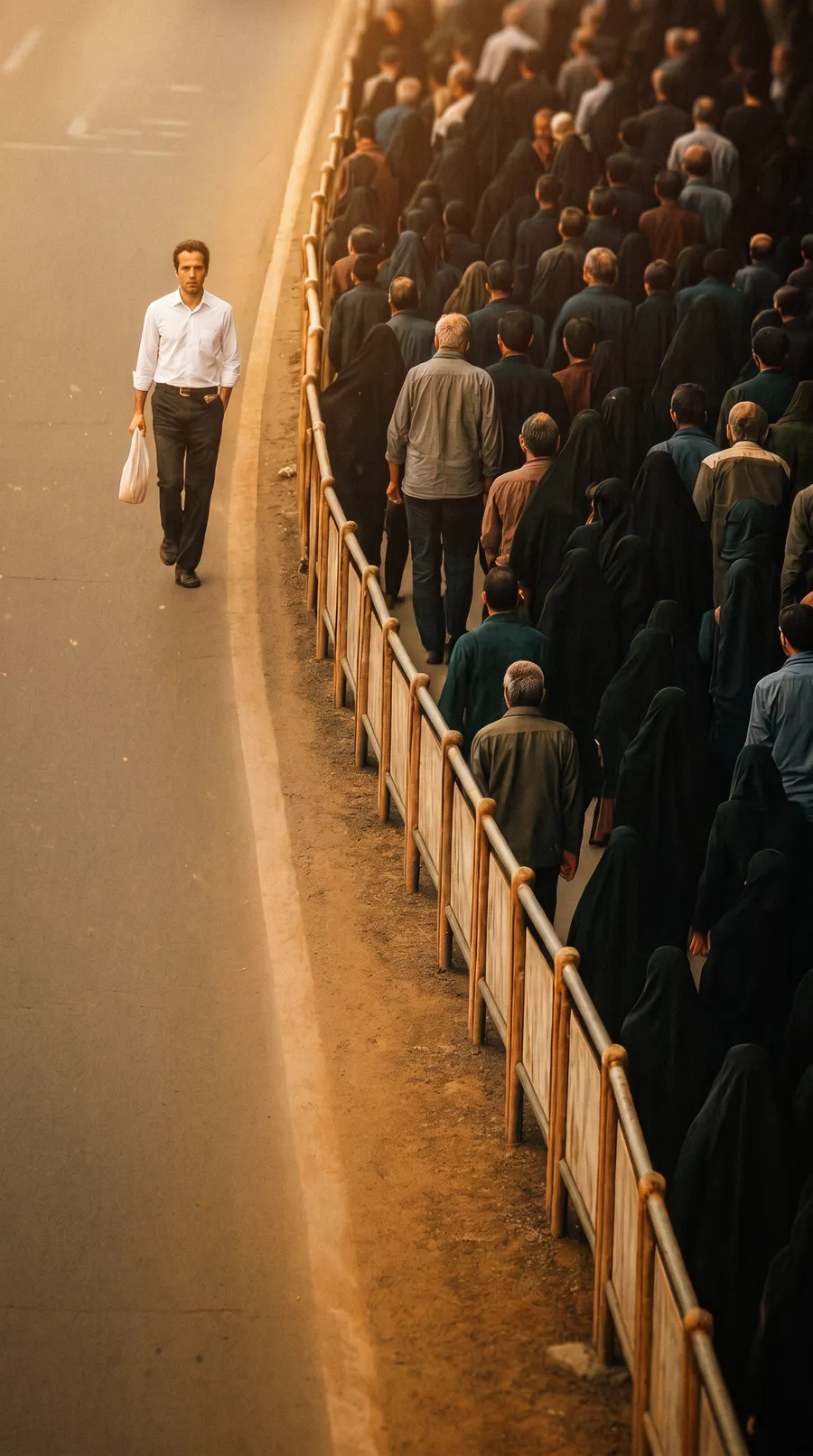
Scene 3 · Exterior, night
Shape the look with the Prompt Engine, define your characters in Character Lab, and generate images and video.
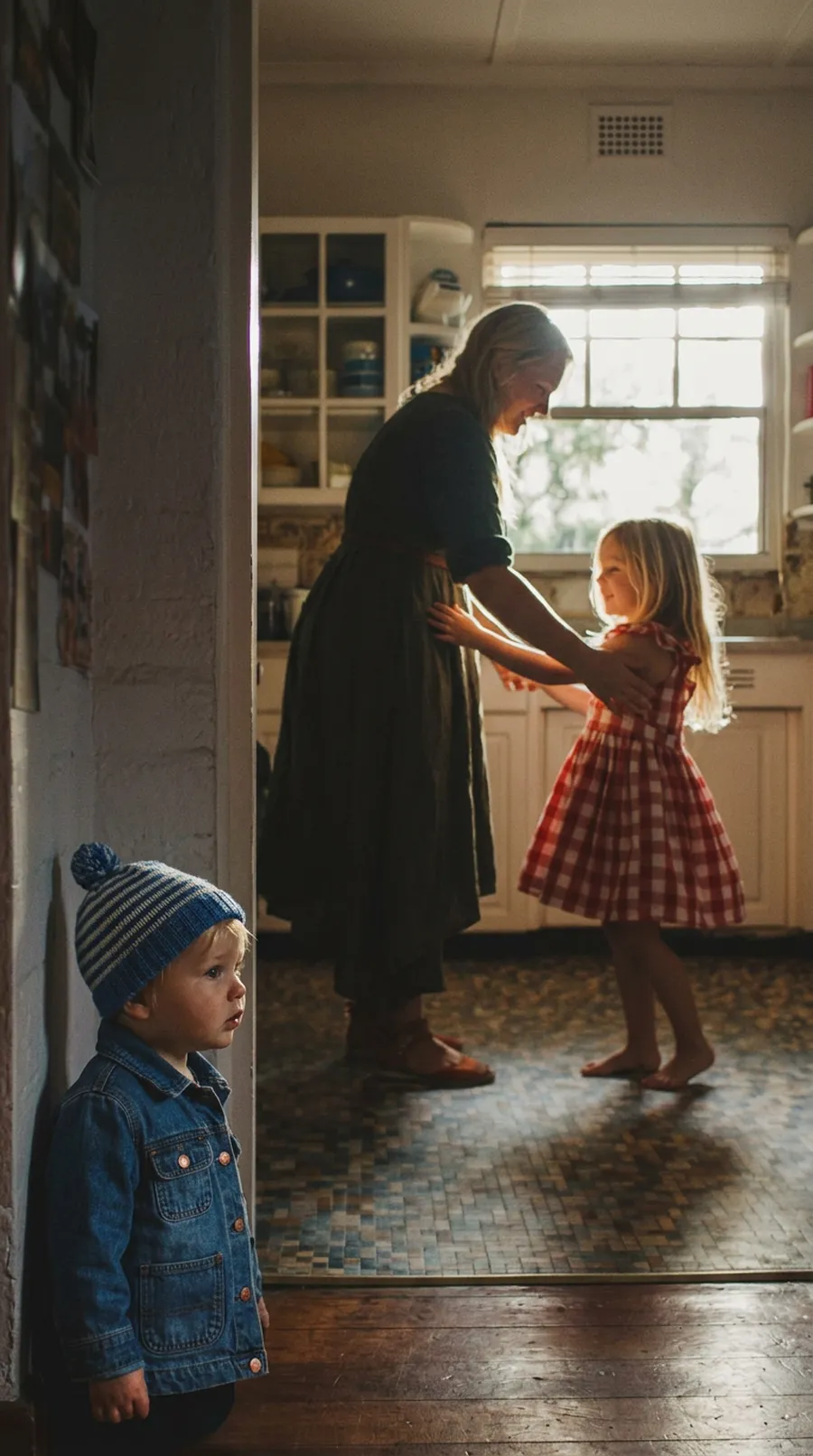

Video, 5 seconds

Film noir across scene 2
18 frames from your script

Same face in every shot
Edit and upscale your frames, add lip sync and sound, then take your clips into your preferred editor for the cut.
Write, stage, generate and edit in one workspace, with tools to refine each shot along the way.
The crossing
They see it
First contact
Give your story its structure, one scene at a time.
Bring your team, references and ideas together as the story takes shape.
Explore staging, composition and camera position before you generate.
Arrange your shots and find the rhythm of your film.